
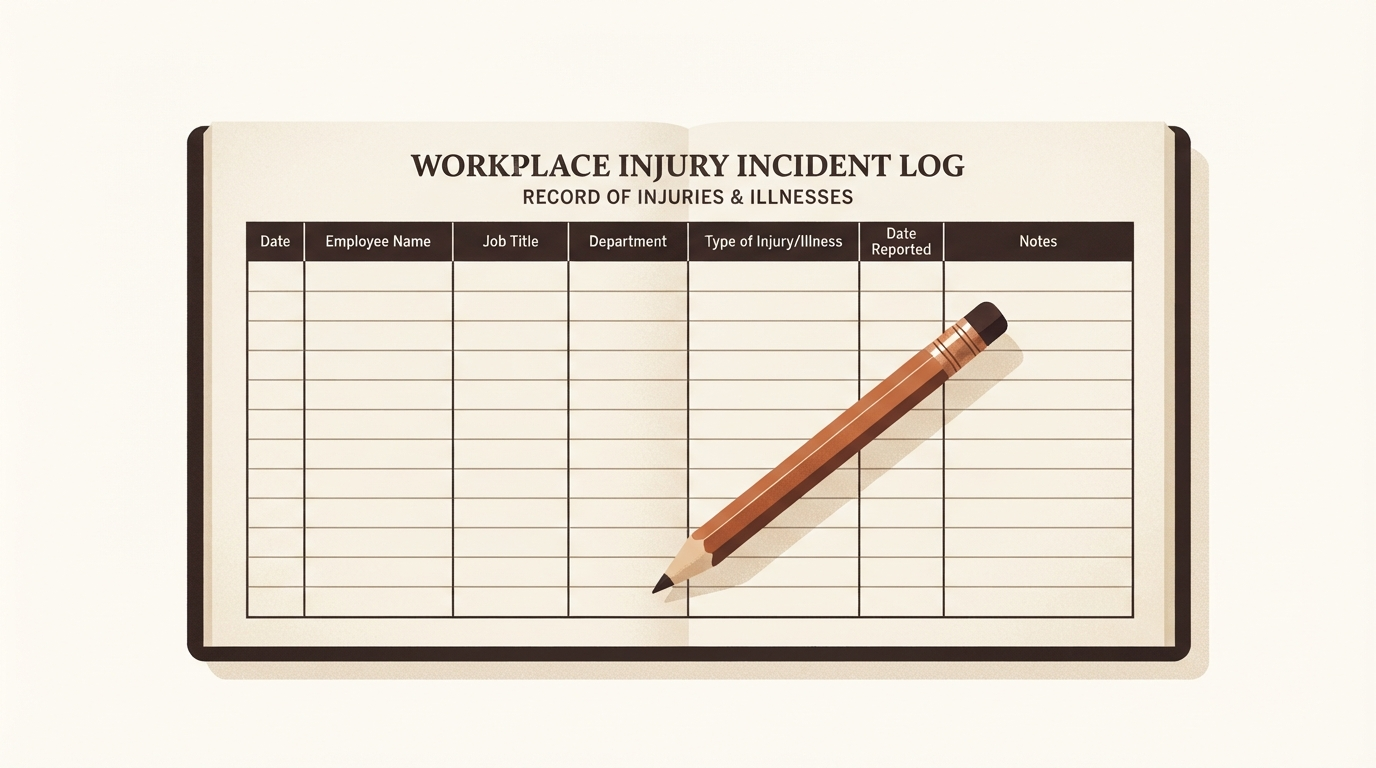
OSHA 300 Log Template
Picture this: a small manufacturing shop owner grabs a free "injury log" spreadsheet from an online search for OSHA 300 log template. It looks clean enough at first glance, with rows for dates and basic notes. Weeks later, during a surprise inspection prep, reality hits. The sheet lacks columns for case classifications like days away from work or job restrictions. Worse, it jumbles incidents from two separate worksites into one file. What seemed like a quick fix now risks compliance headaches and fines.
This scenario plays out too often for U.S. small-business owners, safety managers, HR leads, and operations managers juggling OSHA recordkeeping. A solid OSHA Form 300 template can streamline tracking work-related injuries and illnesses. But not all templates deliver. This guide breaks down what makes a useful workplace injury log template, the must-have 300 log columns, common pitfalls, and smart checks before relying on one.
What an OSHA 300 Log Template Does Well
At its core, a OSHA 300 log template serves as a structured worksheet for one establishment and one calendar year. Think of it as a running ledger of recordable work-related injuries and illnesses. OSHA requires employers to log these cases if they meet specific thresholds, such as medical treatment beyond first aid, loss of consciousness, or restricted work duty.
The template keeps everything in one place: a chronological list of cases as they occur. You enter a new recordable case generally within seven calendar days of learning about it. This setup helps safety teams spot patterns, like repeated slips in a warehouse aisle, before they escalate. It also prepares you for year-end summaries and potential OSHA reviews.
Unlike scattered emails or paper scraps, a good template enforces consistency. Each row captures key details without overwhelming the user. Coverage hinges on your employee count, industry, establishment setup, and current OSHA guidance. For instance, offices with under 10 workers often skip logging, but construction firms rarely get that pass.
Essential Columns in a Reliable OSHA 300 Log Template
A trustworthy OSHA 300 log template mirrors the official Form 300 structure without copying it verbatim. Focus on these 300 log columns, explained plainly:
- Case Number: A unique identifier, like "2024-001," starting from one each year. This prevents duplicates and links to fuller reports.
- Employee's Name: Include unless it's a privacy concern case, such as drug-related injuries or mental health issues. For those, enter "privacy case" instead.
- Job Title: The employee's regular role, like "forklift operator" or "assembly line worker." Helps identify at-risk positions.
- Date of Injury or Onset of Illness: When the incident happened or symptoms started. Precision matters for trends.
- Where the Event Occurred: Specific location, e.g., "loading dock" or "second-floor office." Pinpoints hazards.
- Description of Injury or Illness: Brief facts, like "strained back lifting 50-lb box." Stick to what, how, and where; save deeper analysis elsewhere.
- Classification: Check one box per case: Death, Days Away from Work, Job Transfer or Restriction, or Other Recordable. Multiple may apply, but pick the primary.
- Days Away and/or Days of Restriction: Count calendar days, excluding the incident day. OSHA caps recording at 180 days each, though actual time off may exceed this. Update as new info comes in.
- Injury and Illness Types: Columns for categories like Needlestick/Sharps, Cuts/Lacerations, Sprains/Strains, or specific illnesses. Use checkmarks or codes.
These 300 log columns ensure completeness. A template missing classifications or day-count fields forces guesswork later, complicating audits.
What an OSHA 300 Log Template Should Never Attempt
Not a Substitute for Form 301
The 300 Log sketches the basics. Form 301 dives deeper into incident details, like what the employee was doing, unsafe acts, or witness info. A workplace injury log template risks trouble if it tries to cram 301-level notes into log rows, exposing sensitive data on a shared sheet. Keep them separate; the log references the 301 by case number. Learn more in our guide to the OSHA 301 incident report form.
Not the Annual 300A Summary
Do not post the 300 Log for employees. Form 300A tallies totals privately then posts a sanitized summary from February 1 to April 30 each year. A template blending log and summary invites errors in public-facing data.
Not a First-Aid or Near-Miss Tracker
Only recordable cases go here. Band-Aids or one-time ice packs stay off the log. Mixing them dilutes real risks.
The Limits of Blank OSHA Form 300 Templates
A blank OSHA 300 log template shines for simple starts but falters under real-world pressure. No built-in prompts mean overlooking privacy rules or forgetting to check multiple classifications. Case numbers repeat if you copy last year's sheet without resetting.
Rolling totals for 300A prep? Manual math invites mistakes, especially with updates. A case starting as "other recordable" might shift to "days away" months later as recovery drags. Blank sheets rarely flag these changes, and day counts demand constant revisits over the five-year retention period.
Shared spreadsheets compound issues. HR adds employee names freely, but privacy cases demand redaction. Mixing worksites or years brews chaos during multi-site reviews. Homemade versions in Excel often skimp on columns or bury personal 301 details in plain sight, risking data breaches.
Checklist: How to Review Any OSHA 300 Log Template
Before trusting a OSHA Form 300 template, run this audit:
- One worksite per file? Multi-location businesses need separate logs.
- Year clearly labeled in the title and header?
- Privacy handling: Field for "privacy case" instead of names?
- All 300 log columns present, including classifications, day counts (with 180-day cap note), and type categories?
- Space for updates, like a "last updated" column or revision notes?
- Mark for completion: Flag when a case is finalized for 300A?
- No room for 301 details or non-recordable events?
Test it with a sample case: a warehouse worker's sprained ankle from a pallet drop. Does it capture date, location, description, days restricted (say, 10), and type? If not, scrap it. For step-by-step entry, see our article on how to fill out an OSHA 300 log.
When a Template No Longer Suffices
Templates work for low-volume logs, maybe a handful of cases yearly. But as your team grows or incidents cluster, friction builds. Manual updates eat hours, errors creep in, and pulling data for OSHA recordkeeping requirements for small businesses turns tedious.
That's when a guided workspace steps in. Tools like Form 300 Logbook, OSHA 300, 300A & 301 recordkeeping software for small businesses, automate prompts, enforce rules, and generate summaries. They handle privacy automatically, track changes over five years, and separate logs cleanly. No more hunting columns or recounting days.
Transition signals include frequent updates, multi-user access needs, or audit prep stress. Explore options in our overview of OSHA recordkeeping software for small businesses.
Related Reading in OSHA Recordkeeping
- How to Fill Out an OSHA 300 Log: Line-by-line guidance.
- OSHA 301 Incident Report Form: Companion to your log.
- OSHA Recordkeeping Requirements for Small Businesses: Who logs what.
- OSHA Recordkeeping Software for Small Businesses: Beyond templates.
A sharp OSHA 300 log template buys time and focus. But pair it with diligence, and it guards your operation. Skip the generic downloads; build or vet with purpose. Your team's safety depends on it.