
How to Count Days on the OSHA 300 Log: Calendar Days, Weekends, and the 180-Day Cap
Picture this: A warehouse worker twists an ankle on Friday afternoon. The next morning, a physician or licensed health care professional (PLHCP) recommends time off through the following Wednesday. Monday is a federal holiday. Vacations loom nearby for some. How many days away go on the OSHA 300 Log? Recordkeepers face this puzzle weekly. The rules demand precision, not guesswork.
FORM 300 LOGBOOK is independent software for organizing OSHA 300, 300A, and 301 recordkeeping information. It is not affiliated with, endorsed by, approved by, or operated by OSHA or the U.S. Department of Labor. This article is independent educational guidance based on sources published by OSHA. It is not legal advice, does not replace official OSHA forms, does not submit records to OSHA, and does not guarantee compliance.
Start Counting the Day After Injury or Illness Onset
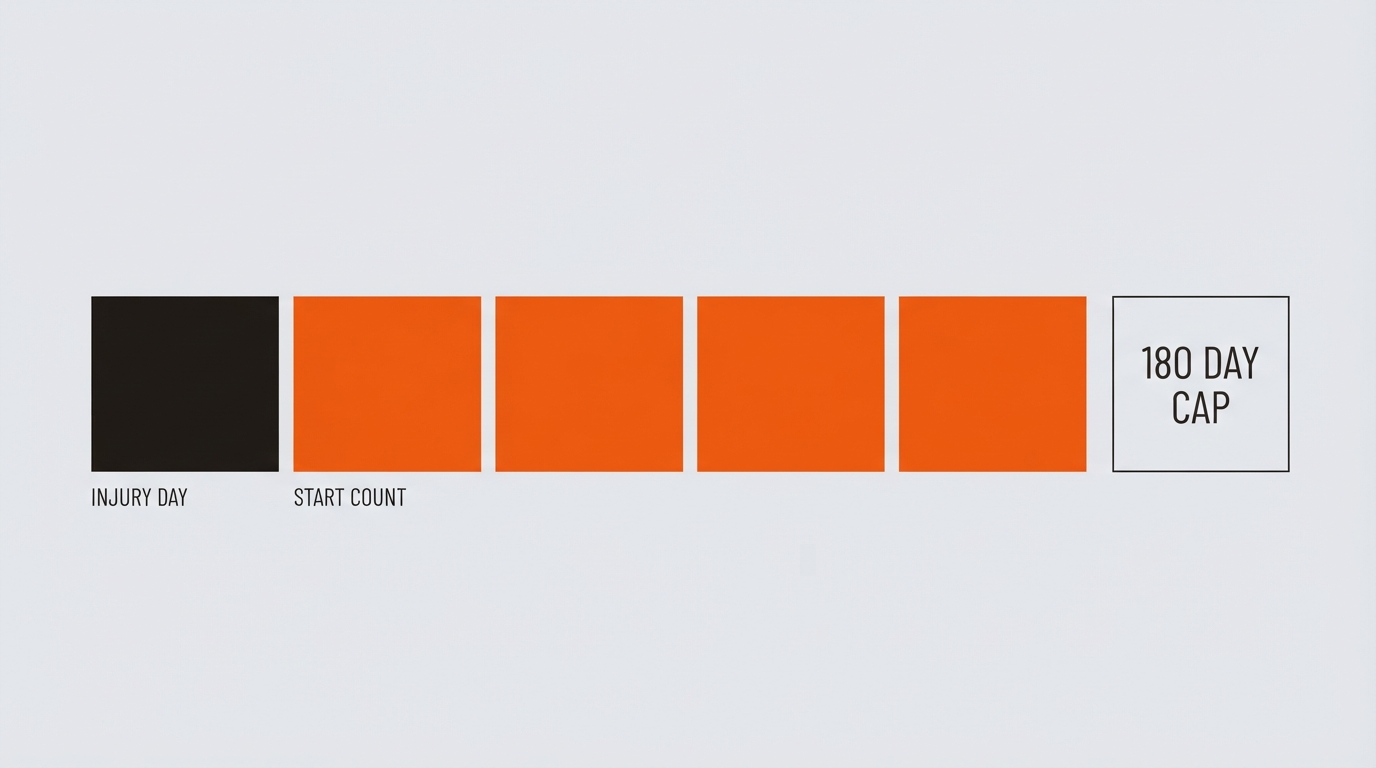
Under 29 CFR 1904.7(b)(3), how to count days on OSHA 300 log begins simply. Skip the day of injury or illness onset. Start with the next calendar day. Enter the date from Column D as your anchor, then tally forward.
Once classified as days away, check the days-away column. Leave restricted days blank unless both apply. For details on classification, see the days away vs. restricted work guide.
Calendar Days Include Weekends and Holidays
Count 1904.7(b)(3) calendar days. These span every day the employee could not work due to the work-related injury or illness. Days away weekends holidays count fully. Vacations, scheduled time off, plant shutdowns: all included if restriction persists.
The employee receives pay or not? Irrelevant. Scheduled or not? Does not matter. Focus on inability to work.
Friday Injuries, Holidays, and Vacation Special Rules
Weekends After Friday Injuries
Friday injury, Monday return, no weekend schedule. Record weekend days away only if PLHCP restricts work those days, per 1904.7(b)(3)(v). No PLHCP note? Zero weekend days.
Holidays and Vacations
Day before holiday or vacation off due to injury? Count it if PLHCP restricts, 1904.7(b)(3)(vi). State plans may vary; confirm locally.
Follow PLHCP Recommendations Over Employee Choices
PLHCP says stay home, employee shows up? Record recommended calendar days anyway, 1904.7(b)(3)(ii). Multiple PLHCPs disagree? Employer selects the authoritative one.
PLHCP clears return, employee stays out? Stop counting on clearance date, 1904.7(b)(3)(iii).
Estimate Long Cases, Update as Needed
Extended absences demand estimates initially. Update when actuals emerge. Learn how to correct an OSHA 300 Log entry for revisions.
OSHA 300 Log Cases That Cross Calendar Years
OSHA 300 log case crosses calendar year? Log once, in the incident year. Tally all days away there, including next-year days. For annual summary, estimate total if ongoing. Update later. Avoid duplicates; see new case or recurrence rules. FAQ 7-18 confirms: one log year only.
Apply the OSHA 180-Day Cap
OSHA 180 day cap simplifies extremes. Hit 180 calendar days away, restricted, or transferred? Enter 180. Stop tracking, 1904.7(b)(3)(vii).
Stop Counting When Employment Ends Unrelated to Injury
Employee retires, quits for new job, plant closes unrelated? Estimate total and stop, 1904.7(b)(3)(viii). Injury-caused departure? Same estimate.
Restricted Work Days Use Identical Counting
Days of job transfer or restriction mirror days-away rules, per 1904.7(b)(4). Reference 1904.7(b)(3)(i)-(viii). Link classification here.
Quick Checklist: How to Count Days on OSHA 300 Log
- Day after incident: start.
- Calendar days only.
- Include weekends/holidays if restricted.
- PLHCP note required for unscheduled days.
- Follow PLHCP, not employee action.
- Estimate long cases; update.
- One-year log only.
- Cap at 180.
- Employment end: estimate.
Real-World Examples
Tuesday Injury: Off Wednesday through Sunday. Count 5 days (Wed-Sun).
Friday Injury, Monday Return: No PLHCP weekend restriction, unscheduled Sat-Sun. Count 0 days.
December 28 Injury: Away into February. Log 2026 case, estimate 45+ days for 2026 summary, update to 180 cap later.
Long Case: 200 days away. Enter 180.
FORM 300 LOGBOOK Supports Your Counts
FORM 300 LOGBOOK organizes case information, linked 301 details, review handoffs, and recordkeeping copies. It does not automatically determine day counts, does not replace the PLHCP recommendation, and does not guarantee the count is correct. Follow step-by-step OSHA 300 instructions.
Rules from 29 CFR 1904.7(b)(3), current as of August 2026. Check OSHA 300A requirements for summaries.